Quick Start Guide
CVD Portal helps manufacturers meet the EU Cyber Resilience Act's coordinated vulnerability disclosure obligations (CRA Annex I Part II point 5). It gives your company a branded, public vulnerability disclosure portal, a submissions inbox to triage reports, and tooling for advisories and compliance evidence. This guide takes you live in four steps.
1. Create your account
Sign up with email or with a Google, GitHub or Microsoft account. For an email sign-up, we send a verification link to confirm your address. Public email domains such as gmail.com cannot be used to create new accounts, which prevents brand impersonation.
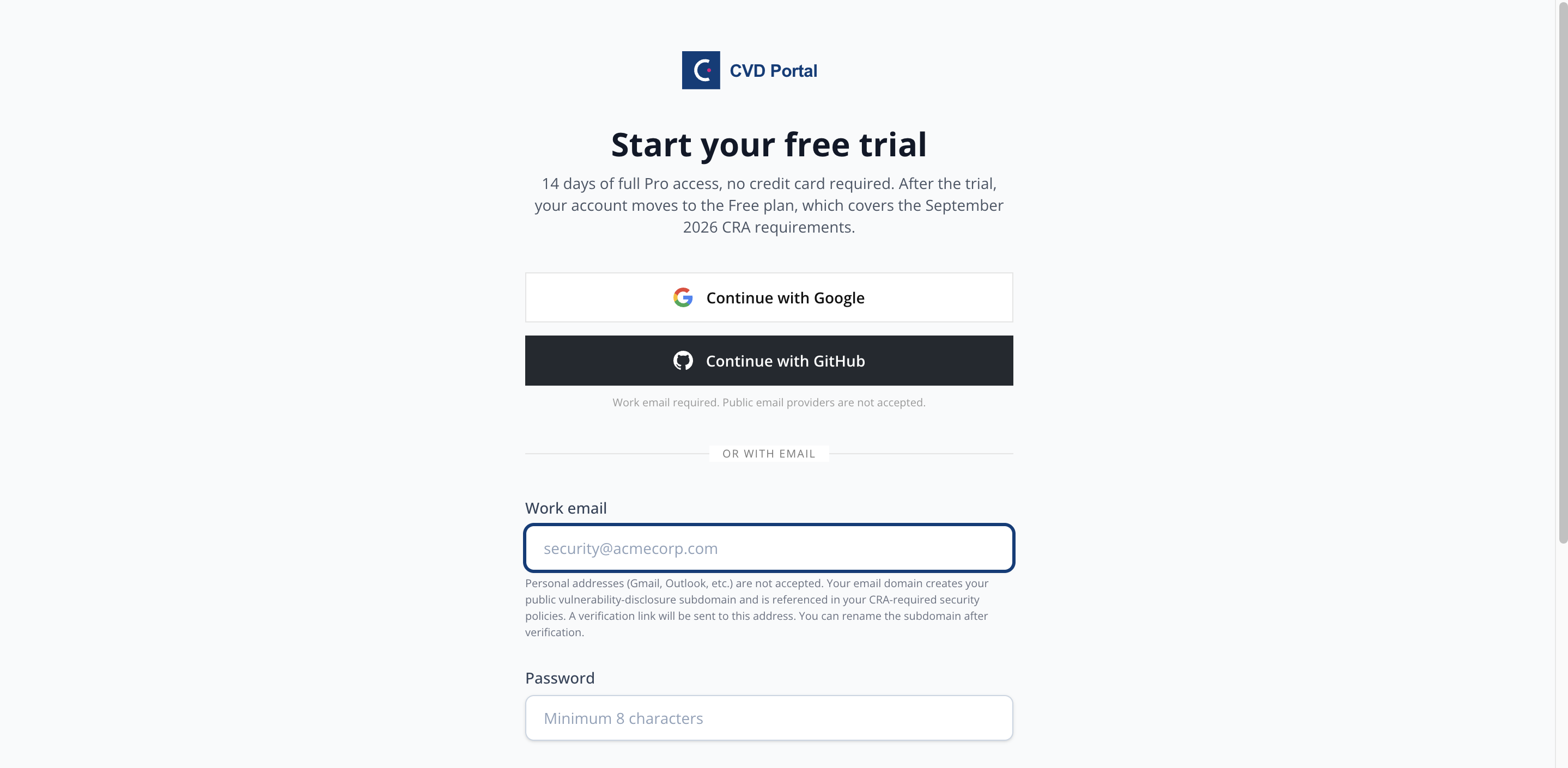
To let an AI agent guide you, click Copy for AI agent on the register page and paste the text into a browser agent such as Claude in Chrome. The agent fills in your work email. You type the password, accept the Terms and choose email reminders yourself. The agent stops if the page shows an error.
2. Set up your workspace
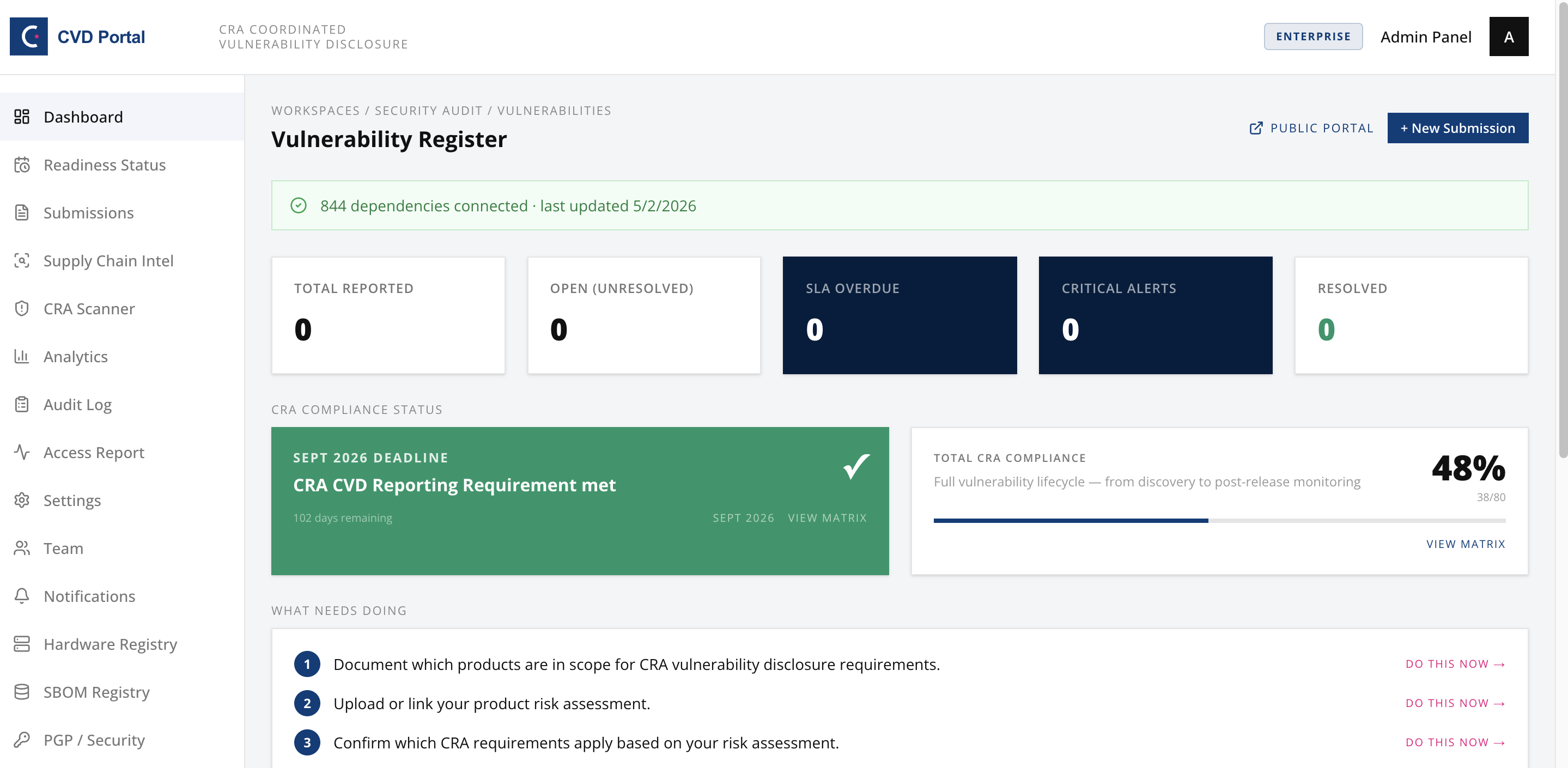
The portal makes your slug from your email domain when you sign up. For example, name@acme-corp.com gives acme-corp. The slug becomes your public reporting address at acme-corp.cvdportal.com. You cannot change it in Settings. Check your company name under Settings → General. Invite teammates as Member, Admin or Auditor under Settings → Team. A logo for a whitelabel portal requires the Enterprise plan.
3. Publish your CVD policy
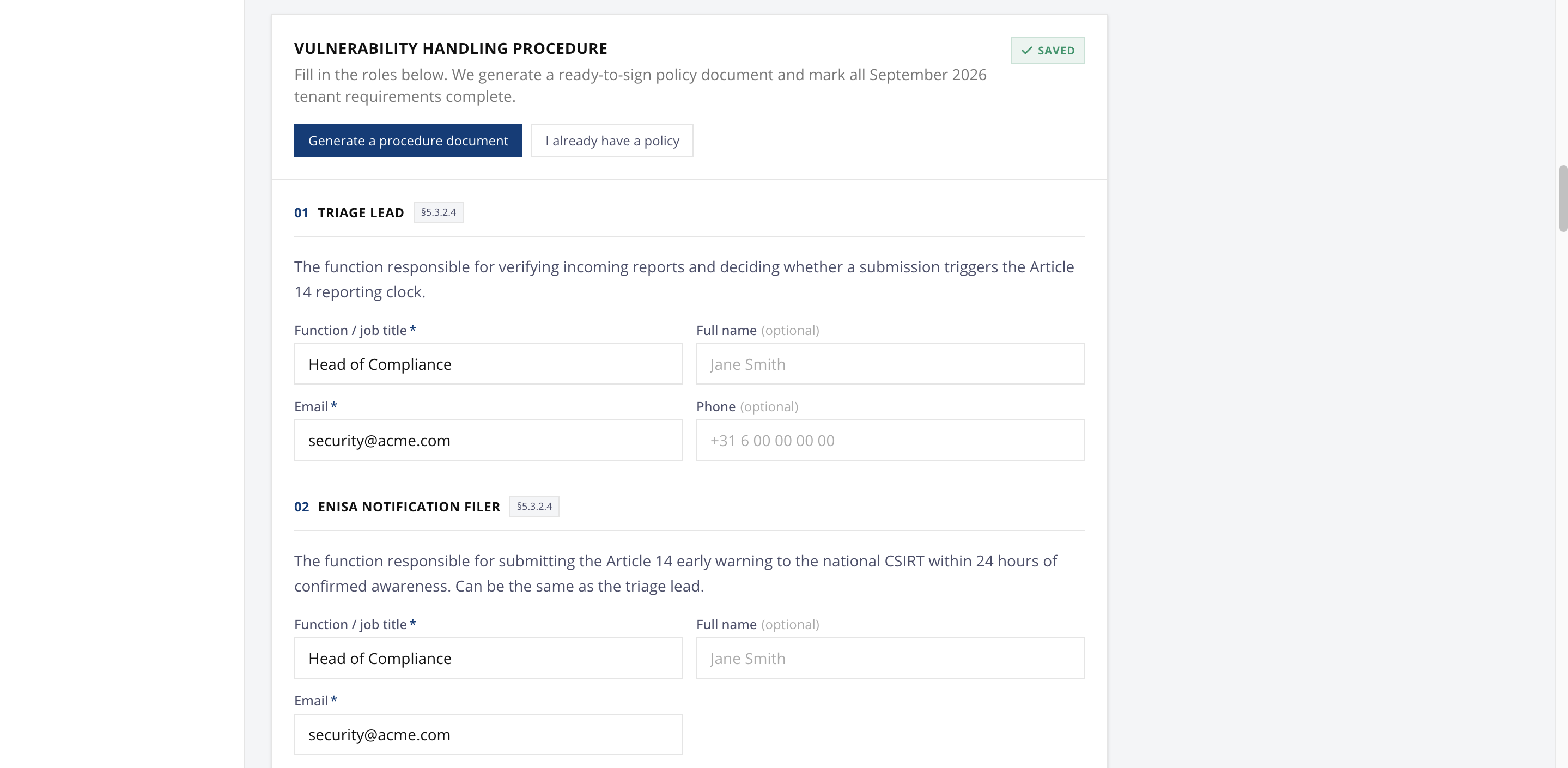
The portal publishes a default CVD policy. To change it, edit the policy text under Settings → PGP / Security. The portal generates a matching security.txt so your disclosure contact is discoverable per RFC 9116.
4. Share your portal
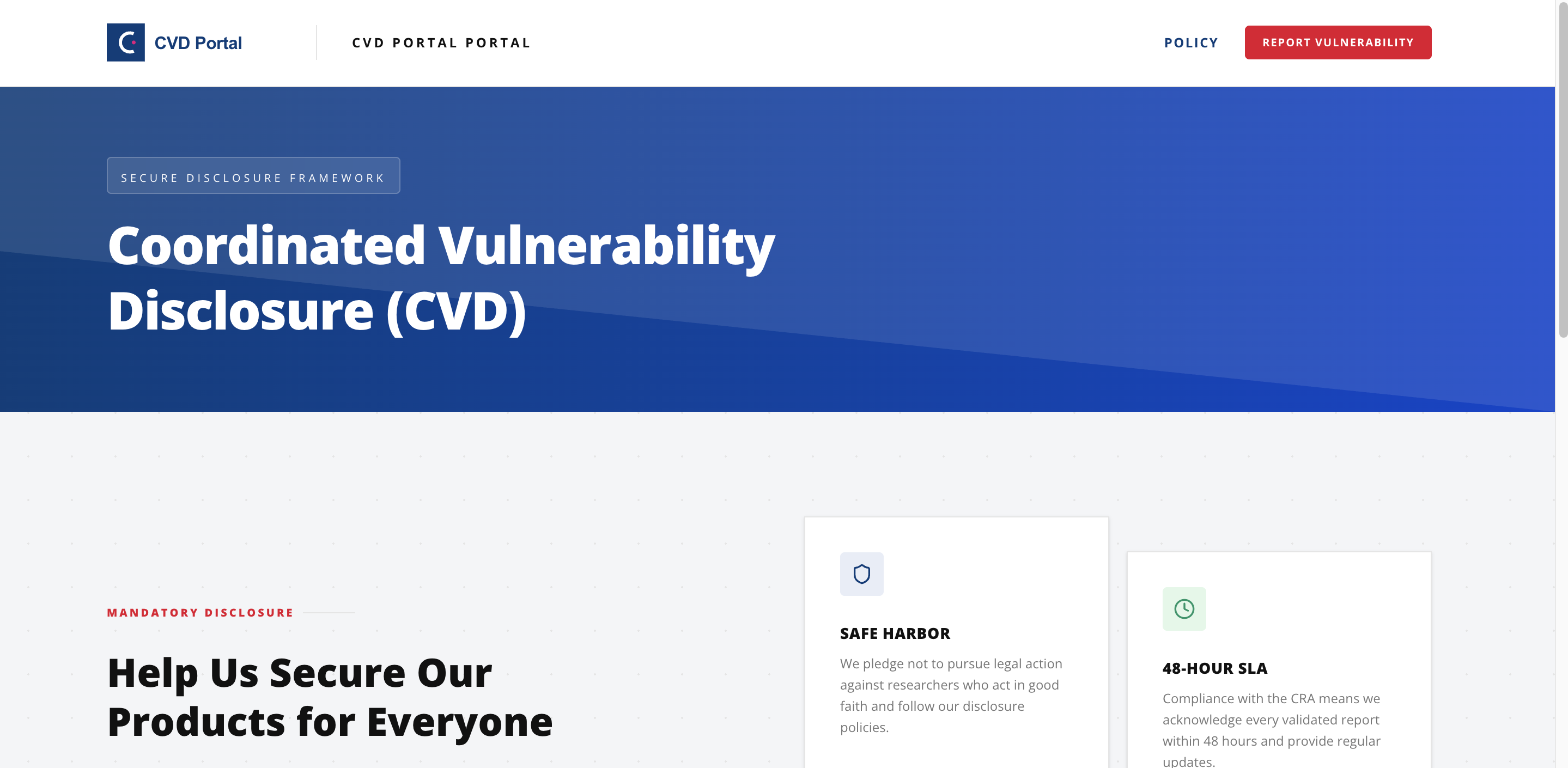
Link to your public portal from your corporate website and your security.txt file. Researchers submit reports there, and your team triages them from the dashboard with a full CRA audit trail.
Key areas of the app
- Dashboard (https://cvdportal.com/dashboard). Overview of open submissions and compliance status.
- Submissions (https://cvdportal.com/submissions). The inbox for vulnerability reports.
- Analytics (https://cvdportal.com/analytics). Reporting trends and response metrics (PRO).
- Supply Chain Intel (https://cvdportal.com/threat-intel). NVD advisories for the vendors you watch and OSV matches for your SBOM, with KEV, EPSS and sightings from GCVE, which CIRCL operates (Reporting).
- CRA Scanner (https://cvdportal.com/settings/scanner). The CRA Exposure Scanner probes your domains for security.txt and CVD policy presence (Compliance).
- CVD Readiness (https://cvdportal.com/readiness). Vulnerability handling readiness, including the September 2026 Article 14 reporting obligations and the December 2027 obligations tracker. Per-product CRA conformity readiness is on the CRA Portal Overview (https://cvdportal.com/cra-dashboard).
- Settings (https://cvdportal.com/settings). Branding, custom domain, team, notifications, SLA policies, SBOM, hardware registry, integrations, API keys, audit log.
- Billing (https://cvdportal.com/billing). Plan management.
- Feedback (https://cvdportal.com/feedback). Send feedback or a support request to the team.
Where to do X in the app
- Check your September 2026 CRA readiness, complete the Vulnerability Handling Procedure, and confirm your published reporting channel: CVD Readiness (https://cvdportal.com/readiness).
- Track the December 2027 CRA obligations and attach evidence: CVD Readiness (https://cvdportal.com/readiness).
- File or prepare an Article 14 report (24h early warning, 72h notification, final report): open the relevant report in Submissions (https://cvdportal.com/submissions) and use its Article 14 action.
- See who did what, when (append-only compliance trail): Settings → Audit log (https://cvdportal.com/settings/audit-log).
- Generate a CSAF advisory for a fixed vulnerability: open the submission in Submissions (https://cvdportal.com/submissions).
- Manage your plan or upgrade: Billing (https://cvdportal.com/billing).
Plans
CVD Portal has four plans: Free, Reporting, Compliance and Enterprise. A new company starts with a 14-day trial of the Compliance plan. Reporting adds analytics, CSAF export, SBOM, hardware registry, monitoring sources, obligations drafting, security reviews, more team seats, and threat intel. Compliance adds the CRA self-assessment, the CRA scanner and the exposure search. Enterprise adds API access, integrations, EUDI wallet identity features and the trust portal. Upgrade under Billing (https://cvdportal.com/billing).