Knowing Whether an Upstream Vulnerability Affects You
Audience. Whoever answers "does this new CVE affect our products?" That question arrives by email, from a customer, or from a regulator, and it usually arrives with urgency.
Outcome. A component inventory accurate enough that the answer is a lookup rather than an investigation, plus alerting so the question reaches you before your customers do.
Why it matters. CRA Annex I Part II requires you to identify and document the components in your products, and clause 7.10 of EN 40000-1-2 covers third-party component cybersecurity management. Most of what you ship is code you did not write.
Time required. Uploading an SBOM takes minutes. Keeping it current is a build-pipeline change and a real project.
The map, because this spans three navigation areas
These screens sit under different parts of the app, which makes the workflow harder to see than it should be.
| Screen | Where | What it answers |
|---|---|---|
| SBOM Registry | Settings | What is in our products |
| Supply Chain Intelligence | CRA rail | What advisories affect those exact versions |
| Supply Chain Partners | CRA rail | Which suppliers, and what is their disclosure posture |
| Monitoring Sources | Settings | Where advisories come from |
| Hardware Registry | Settings | Physical components and firmware |
| Pipeline Findings | CVD rail | What our own CI scanners found |
Steps 1 and 2 are the load-bearing ones. Everything else supports them.
Step 1. Upload an SBOM
Open Settings, then SBOM Registry.
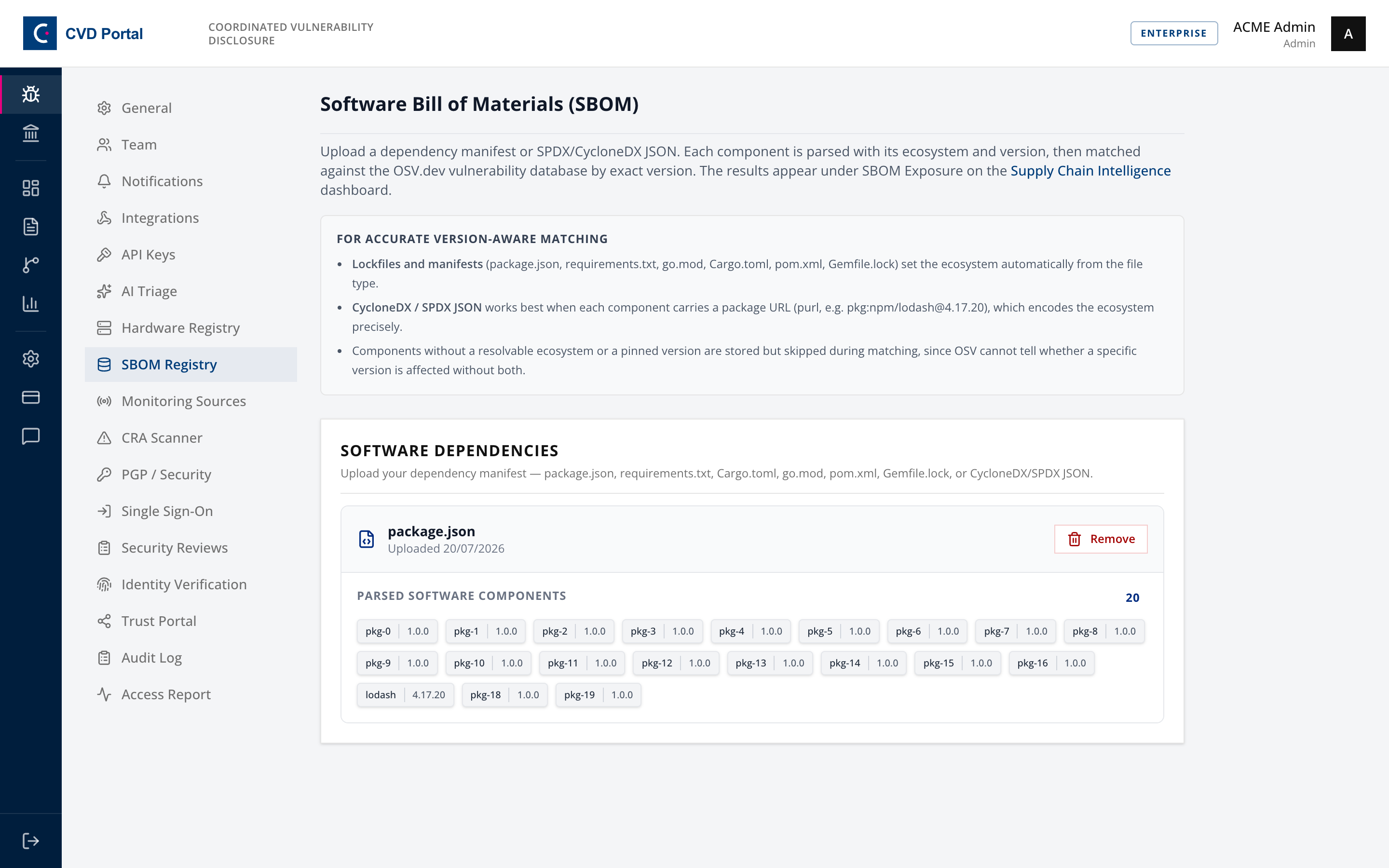
Accepted formats are CycloneDX JSON, SPDX 2.x JSON or SPDX 3 JSON-LD, or a recognised manifest by exact filename, being package.json, requirements.txt, go.mod, Cargo.toml, Gemfile.lock, or a Maven pom.xml. Up to 5 MB and 10,000 components.
The registry also scores the SBOM against BSI TR-03183-2, showing whether it meets the minimum data fields.
Components without a pinned version are skipped by the matcher. A dependency listed as ^4.17.0 cannot be checked against an advisory's affected range, so a loose SBOM produces confident silence rather than an answer. This is the single highest-value thing to fix in your build.
Which product an SBOM covers
An SBOM names a product. In the registry, the This SBOM covers control sets the scope. Choose All products when one component list describes everything you ship. Choose a product to give that product its own SBOM, which overrides the all-products list for that product alone.
The GitHub connector follows the same rule. On the Integrations page, the GitHub card has a This repository describes picker. Leave it on All products if the repository is your only component source. If you ship several products, bind the repository to the one product it builds, or its dependency graph is written into the technical file of every product you own.
Step 2. Check real exposure
Open Supply Chain Intel, and look at SBOM Exposure.
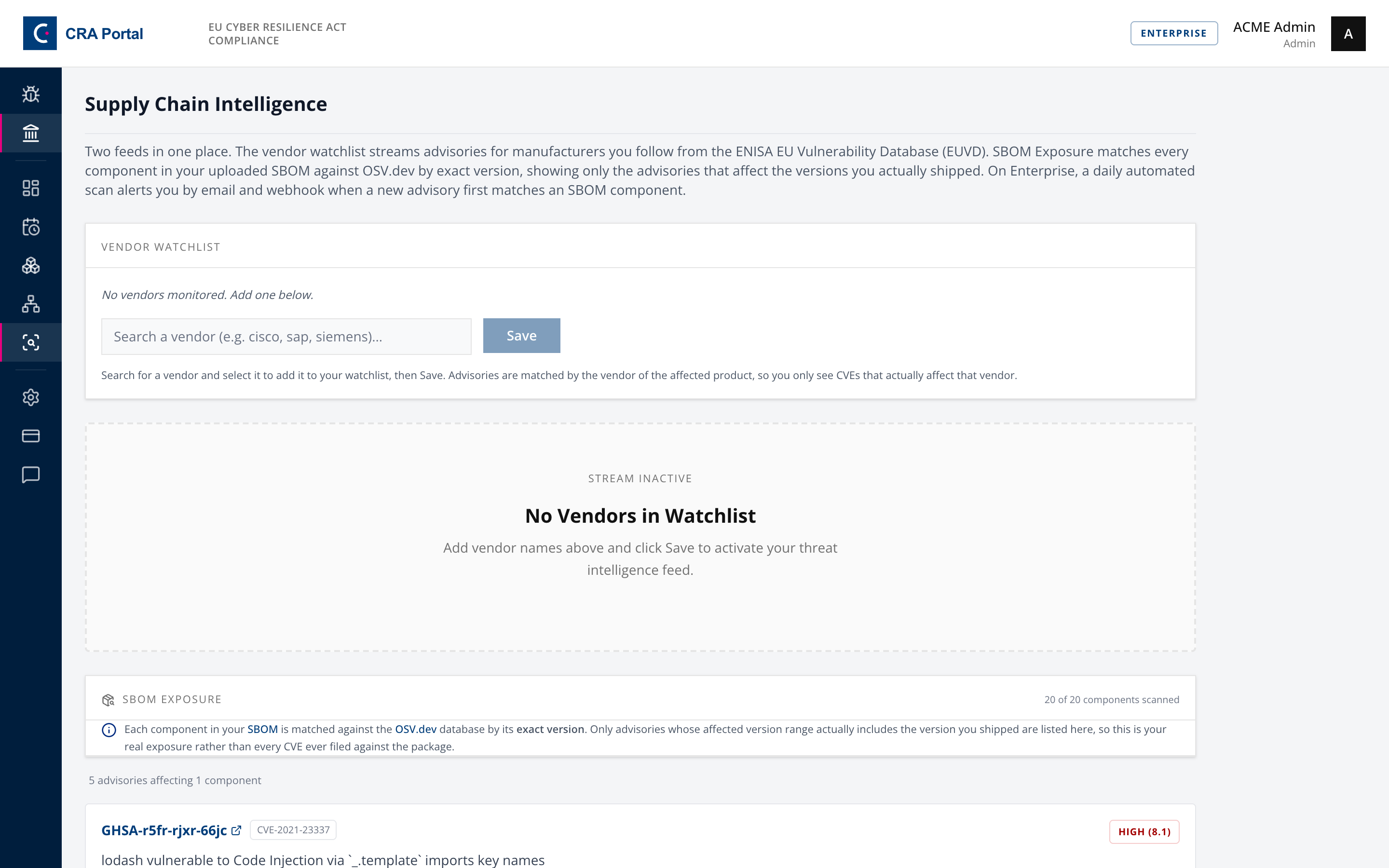
Every component is matched against OSV.dev by exact version. Only advisories whose affected range actually includes the version you shipped are listed, so this is real exposure rather than every CVE ever filed against the package.
The header reports how many components were scanned out of the total, so partial coverage is visible rather than implied.
This is the authoritative answer to "are we affected". It is not the same as the SBOM scan on a submission page, which matches by vendor and product name without the version and over-reports. When the two disagree, this one is right.
The match runs each time you open the page. Scan SBOM now on the Supply Chain Partners page runs the scan again and updates the stored findings. On Enterprise, a daily job runs it automatically and alerts by email and webhook when a new advisory first matches a component.
Step 3. Watch the vendors you depend on
On the same page, add vendors to the Vendor watchlist.
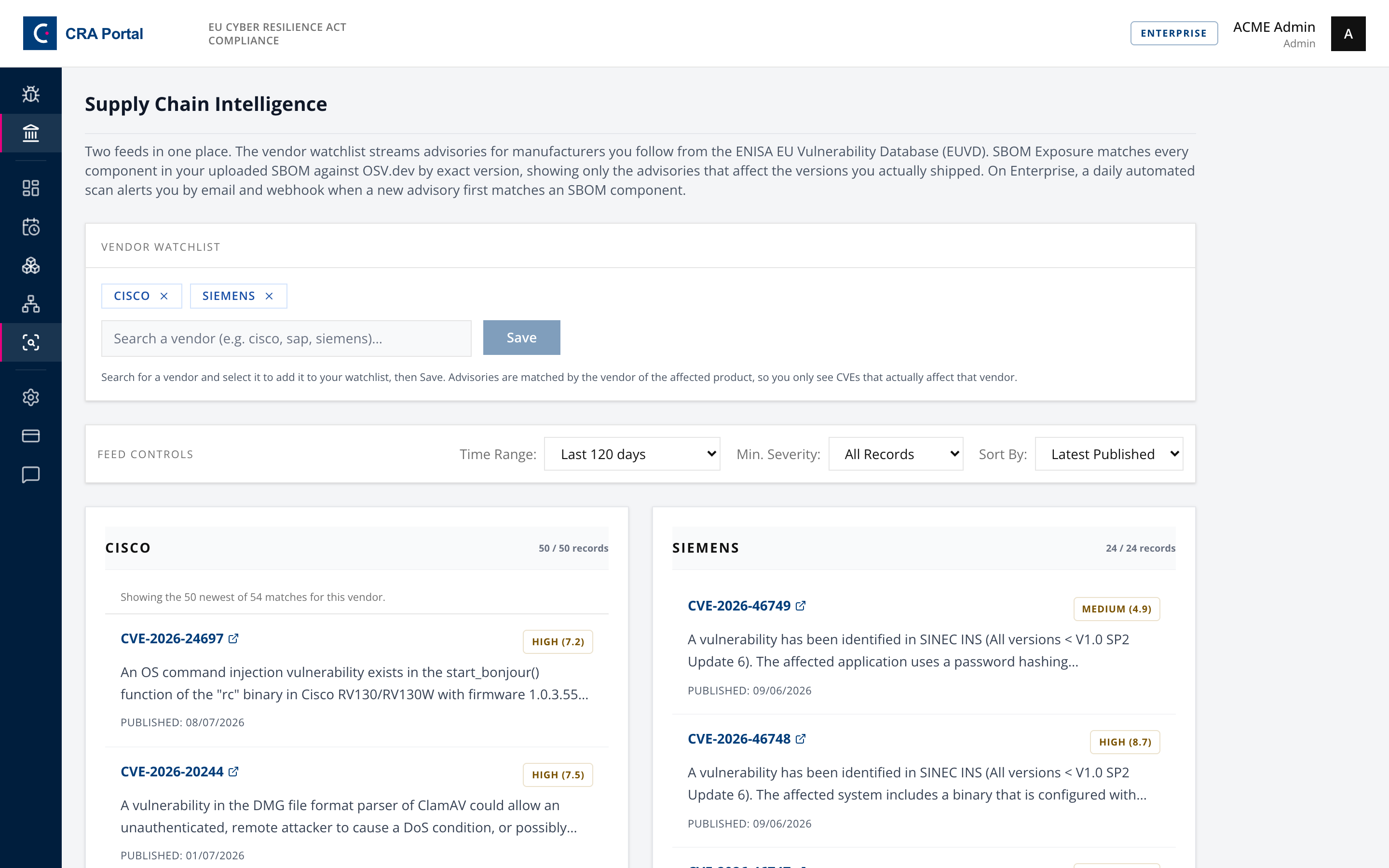
Advisories are matched by the vendor of the affected product, not by free-text search, so following sap returns advisories that actually affect SAP products rather than anything mentioning SAP.
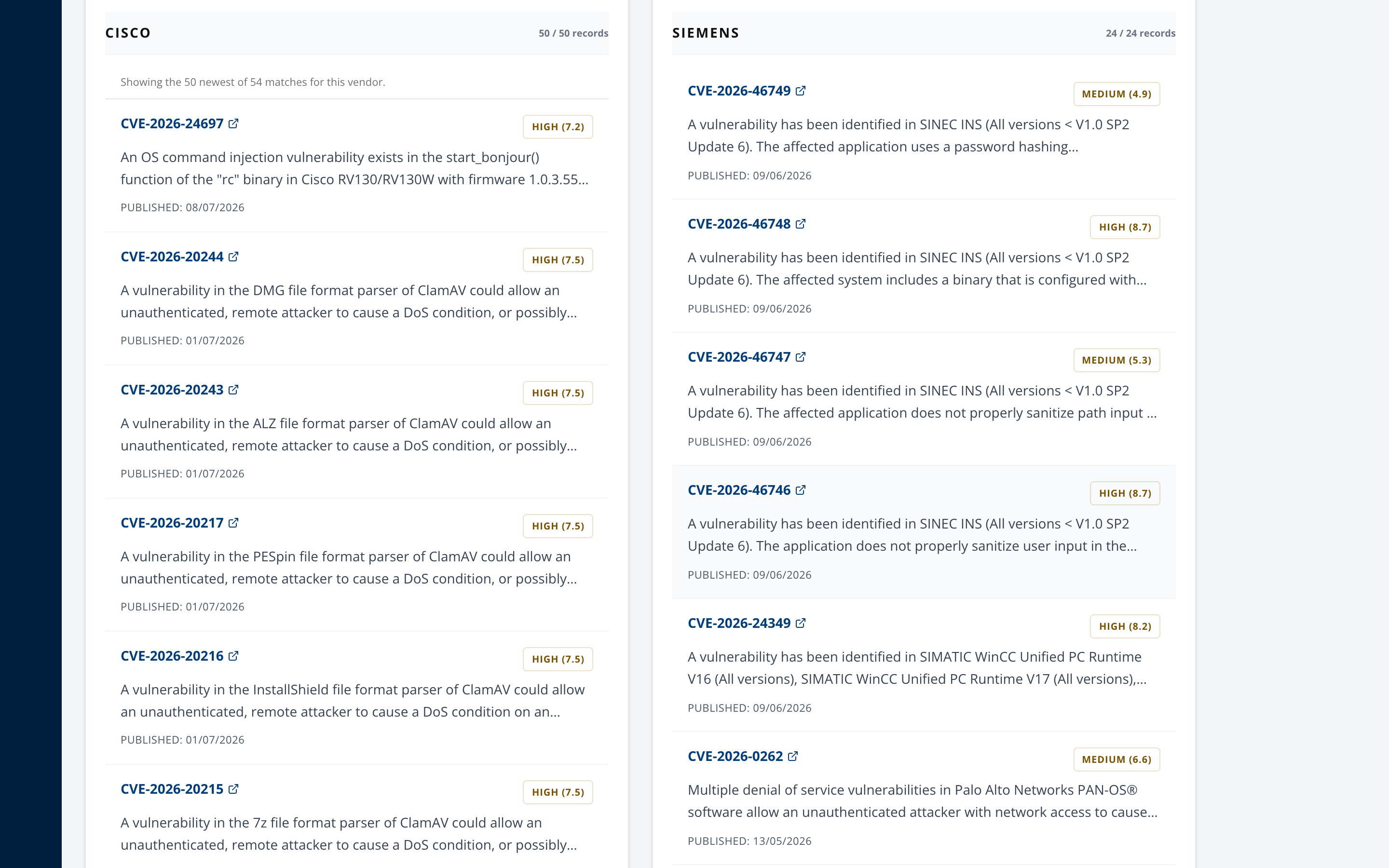
Each card shows CVE identifier, severity, a KEV badge that names the catalogues that report exploitation, an EPSS score where one exists, and a sighting count. Where a vendor matched more advisories than fit on one page, the card says so rather than presenting a truncated list as complete.
A dated time range is at most 120 days, because the upstream NVD API rejects a wider window in a single query. Select All time to see advisories with no date limit, newest first.
Step 4. Record your suppliers
Open Supply Chain Partners.
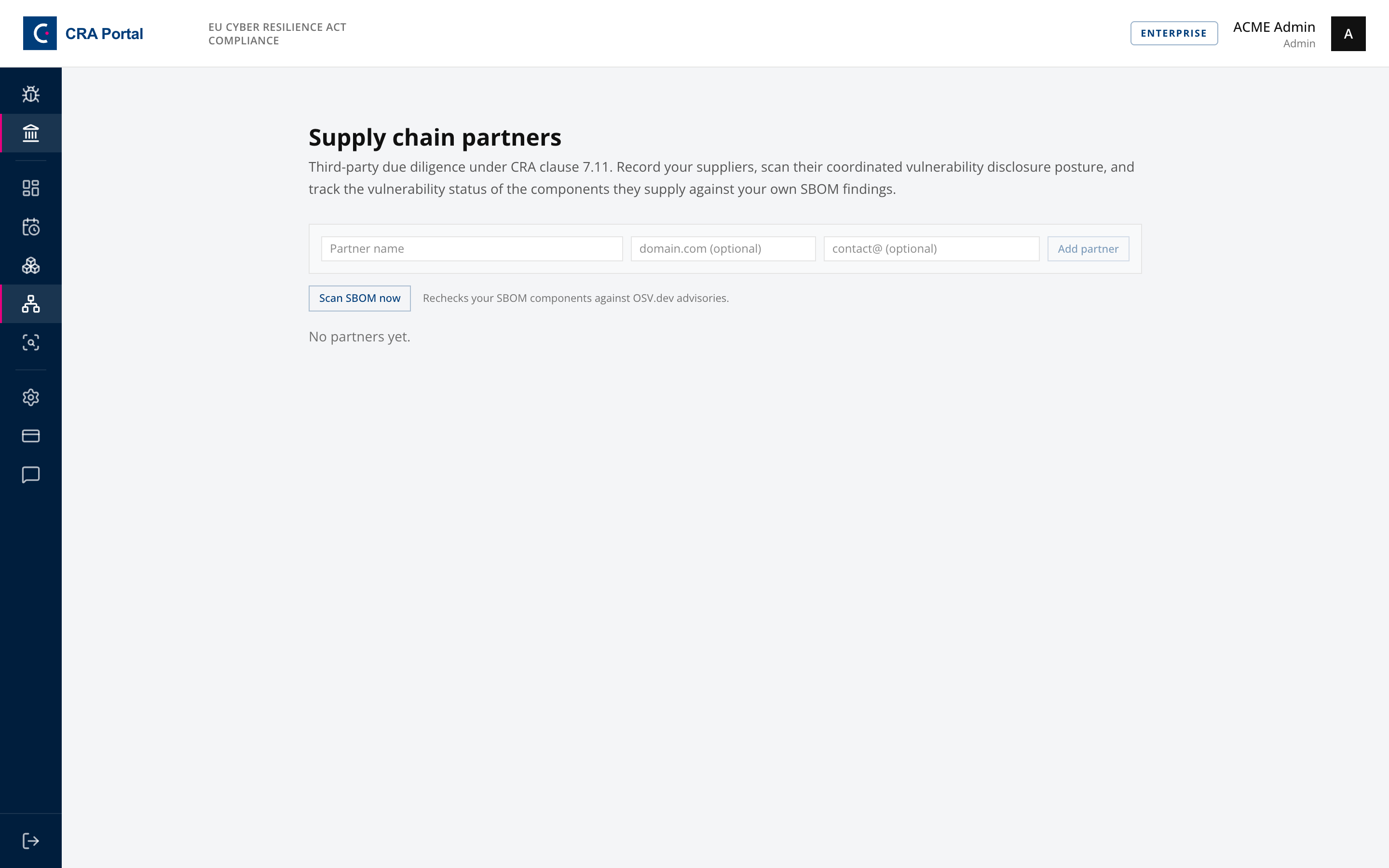
Third-party component cybersecurity management under EN 40000-1-2 clause 7.10. Add each supplier, then record the components they supply with a VEX status: not affected, affected, fixed, under investigation, or unknown.
Run CVD scan probes the partner's domain for a security.txt and a reachable CVD policy, which tells you whether they can receive a report at all.
Each partner also shows Known vulnerable in your SBOM, joining your recorded components against the findings from Step 2. If it is empty, the panel says why rather than showing nothing.
Findings close by themselves. Each scan reconciles the ledger against the SBOM you have stored right now, so once you upgrade a component past the affected range, its finding stops counting as a live exposure and the supply-chain entries in the control register can go green again. Nothing is deleted. A closed finding moves under Previously resolved on the partner, with the date it closed, because "we found this and fixed it" is the evidence an assessor asks for. If the same vulnerable version comes back into the SBOM, the finding reopens and alerts again.
Two cases deliberately do not close a finding. A scan where OSV.dev did not answer for part of your SBOM leaves everything still pinned untouched, since silence from an upstream API is not an all-clear. An SBOM that lists no components at all is treated as a broken upload rather than proof that everything is fixed.
A supplier with no disclosure channel is a supply-chain risk in itself. If you cannot report a vulnerability to them, you cannot get it fixed, and that belongs in your risk assessment.
Step 5. Confirm where advisories come from
Open Settings, then Monitoring Sources.
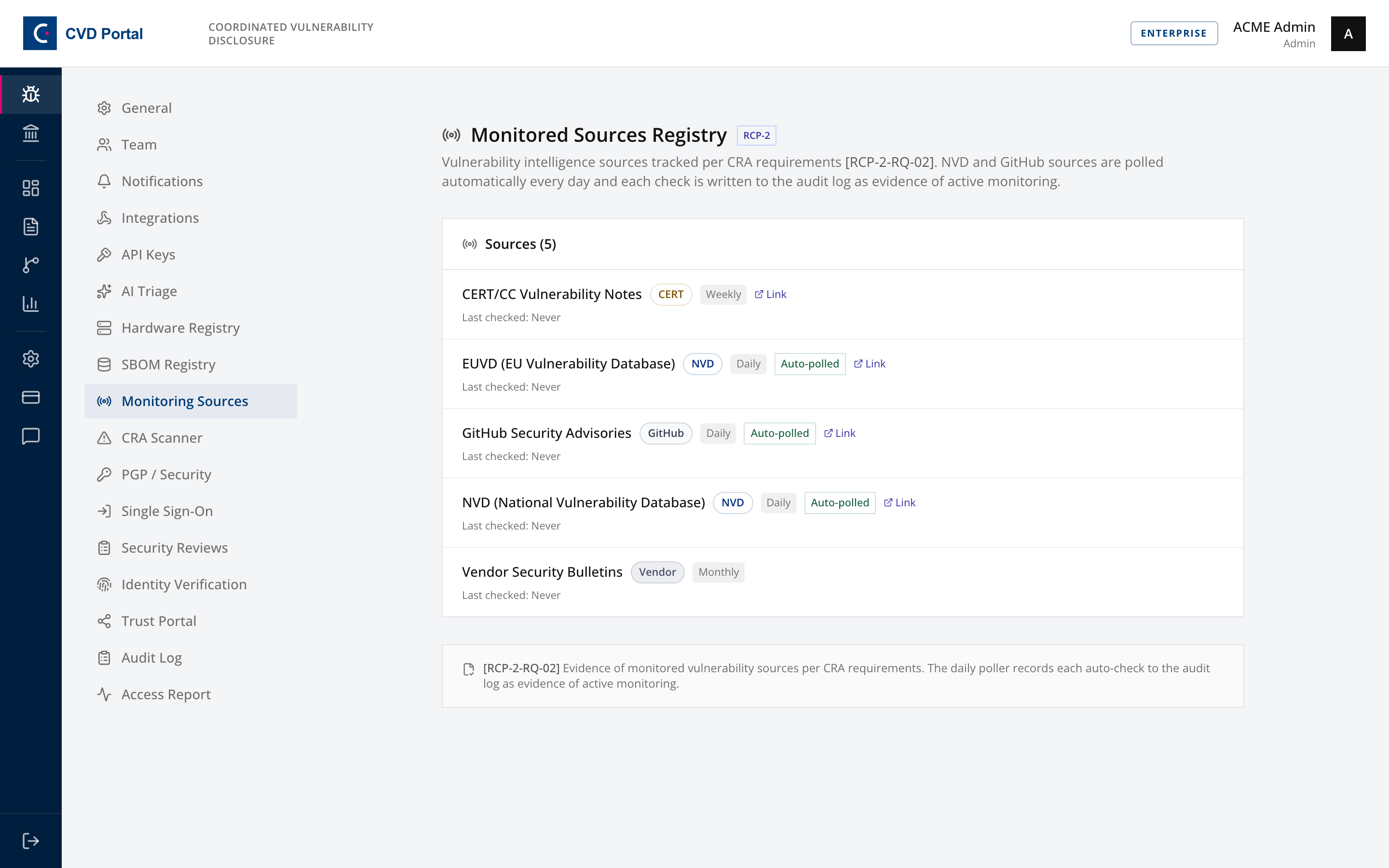
Seeded with NVD, GitHub Security Advisories, EUVD, CERT/CC and vendor bulletins. NVD and GitHub are polled automatically, and the list records when each was last checked and what it found.
This page is read-only and exists as RCP-2 evidence that monitoring is in place, which is a question an auditor will ask.
Step 6. Register hardware, if you ship any
Open Settings, then Hardware Registry.
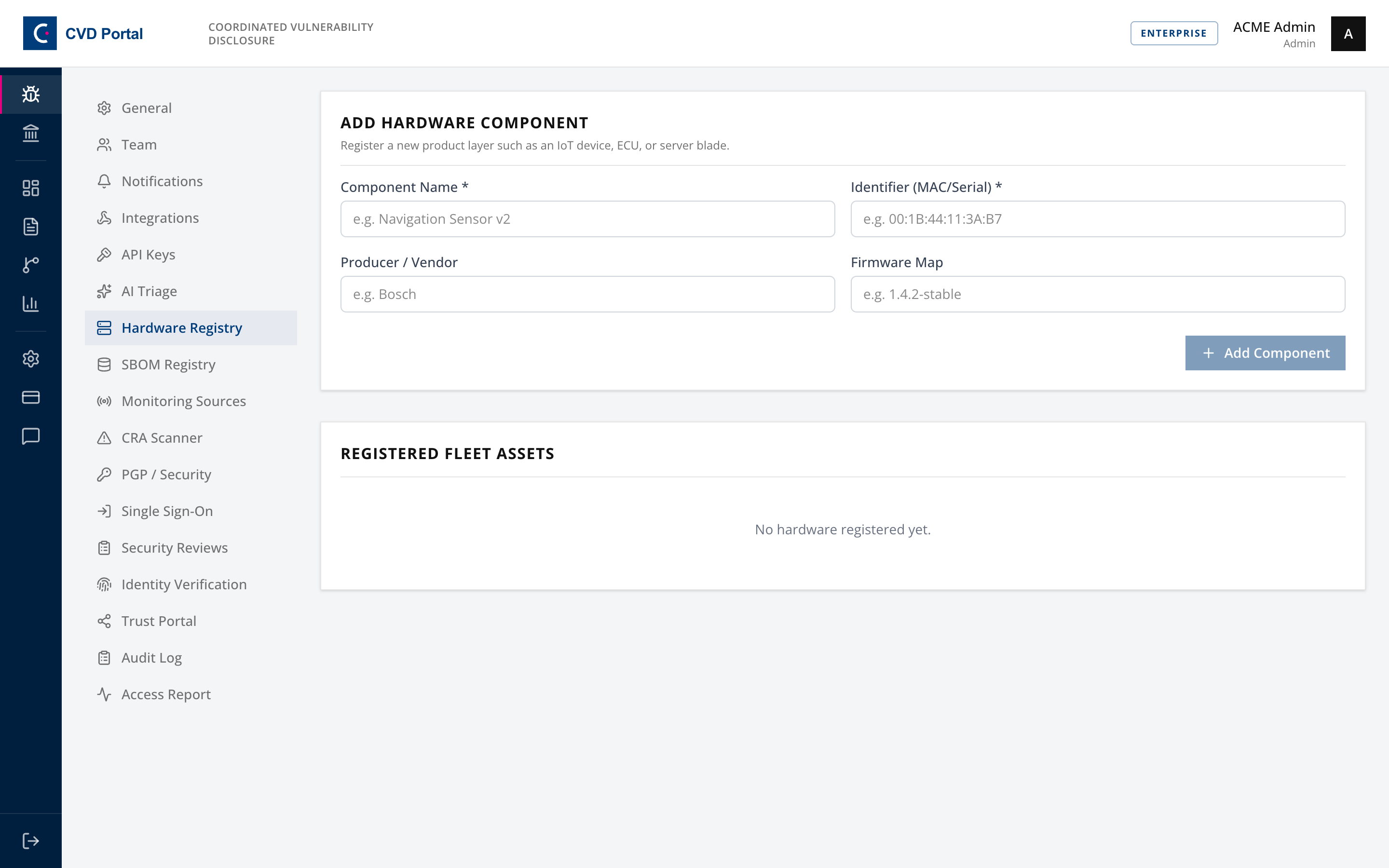
Record component name, identifier such as MAC or serial, producer and firmware version. This is the hardware counterpart to the SBOM and satisfies the hardware component inventory clause.
Step 7. Feed in your own scanner output
Open Pipeline Findings.
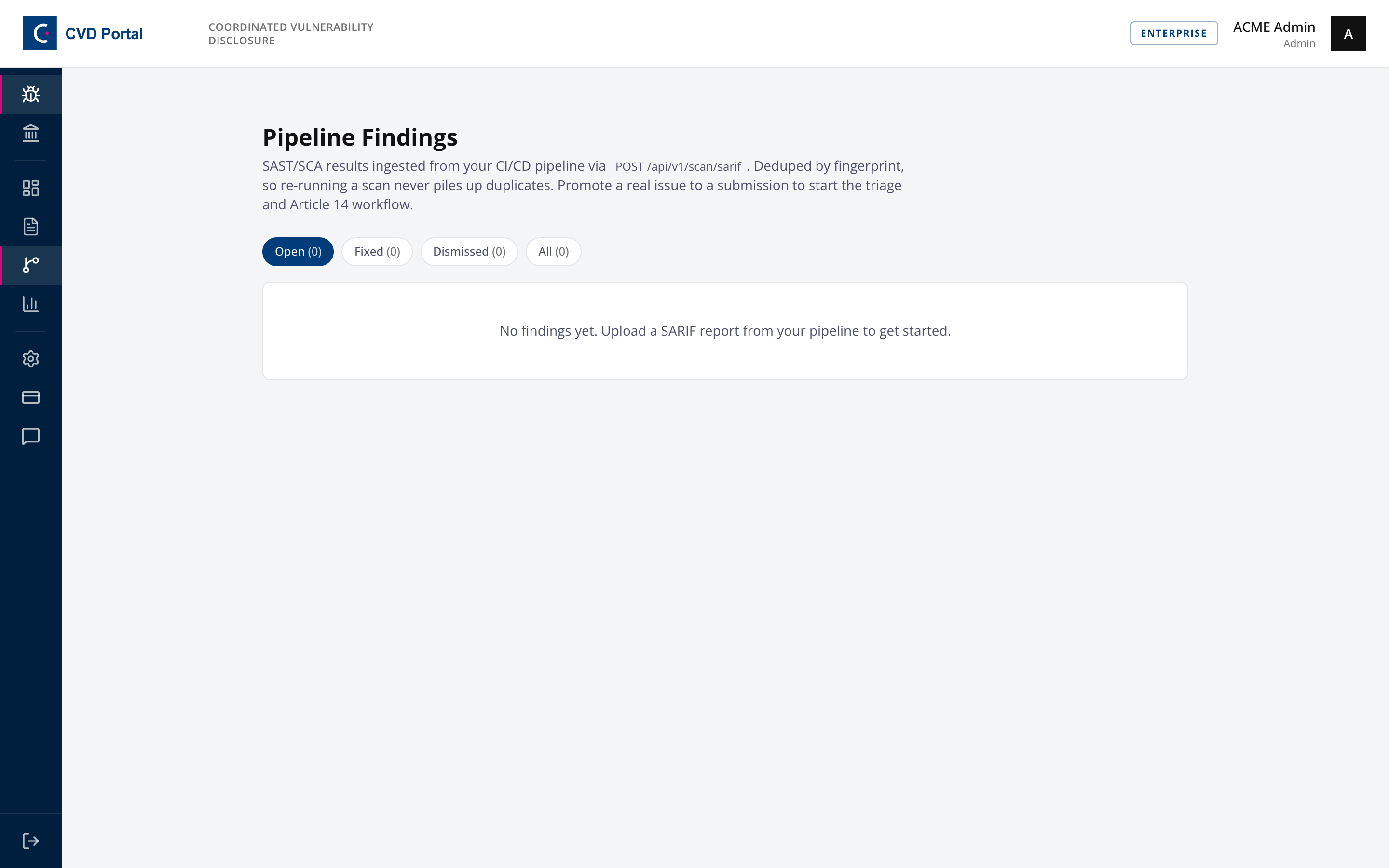
SAST and SCA results from your CI, posted as SARIF 2.1.0 to POST /api/v1/scan/sarif with an API key scoped to sarif:write. There is no upload button by design, since this is meant to run on every build.
Findings dedupe by fingerprint, so re-running a scan never piles up duplicates, and a dismissed finding does not resurrect. Promote to submission moves a real issue into the triage workflow in SOP-05.
Completion checklist
- SBOM uploaded, with pinned versions rather than ranges
- TR-03183-2 conformance reviewed and gaps understood
- SBOM Exposure reviewed, and every match triaged or dismissed with a reason
- Vendor watchlist covers your significant upstream dependencies
- Suppliers recorded with their components and VEX status
- Every supplier scanned for a disclosure channel
- Monitoring sources confirmed as polling
- Hardware components registered, if applicable
- CI posting SARIF, if you run SAST or SCA
Plan differences
| Feature | Required plan |
|---|---|
| SBOM Registry, Supply Chain Intelligence, Monitoring Sources, Hardware Registry | Pro |
| Supply Chain Partners, on-demand SBOM scan | Compliance |
| Daily automated SBOM alerts, Pipeline Findings, the v1 API | Enterprise |
Below Enterprise the daily scan does not run, so Step 2 is something a person has to remember to do. Put it on a calendar.
Keeping it honest
An SBOM uploaded once and never updated is worse than none, because it produces confident answers about a product you no longer ship. Regenerate it on every release, ideally from the build itself through the v1 API rather than by hand.