Clause 6.4 — Product cybersecurity risk assessment
Subclause 6.4 details requirements for identifying assets, threats, analyzing risks, and evaluating residual risk against acceptance criteria under FprEN 40000-1-2:2026.
Portal UI Path: CRA compliance → Products → [Select Product] → Assess → Risk assessment
Related Procedures:
What Clause 6.4 requires
Clause 6.4 covers four distinct sub-activities:
1. Asset Identification (6.4.2)
[RMA-03-RQ-01]: Identify product cybersecurity assets and their properties (confidentiality, integrity, availability). Covers stored data, cryptographic keys, functions, hardware/software components, updates, and user health/safety.
2. Threat Identification (6.4.3)
[RMA-04-RQ-01]: Identify threats affecting assets, including targeted properties and threat causes. Incorporates threat modeling (STRIDE, PASTA, attack trees) and known vulnerabilities.
3. Risk Analysis (6.4.4)
[RMA-05-RQ-01]: Estimate likelihood of occurrence for each threat.[RMA-05-RQ-02]: Estimate impact severity for each threat from the user perspective.[RMA-05-RQ-03]: Document specific risk scenarios.
4. Risk Evaluation and Acceptance (6.4.5)
[RMA-06-RQ-01]: Compare each risk against pre-established acceptance criteria.[RMA-06-RQ-02]: Accept risks only when they meet acceptance criteria.[RMA-06-RQ-03]: Ensure user-mitigated risks are within expected user knowledge/ability.[RMA-06-RQ-04]: Document justification for all accepted residual risks.
How CVD Portal supports compliance
CVD Portal streamlines the complete risk assessment workflow:
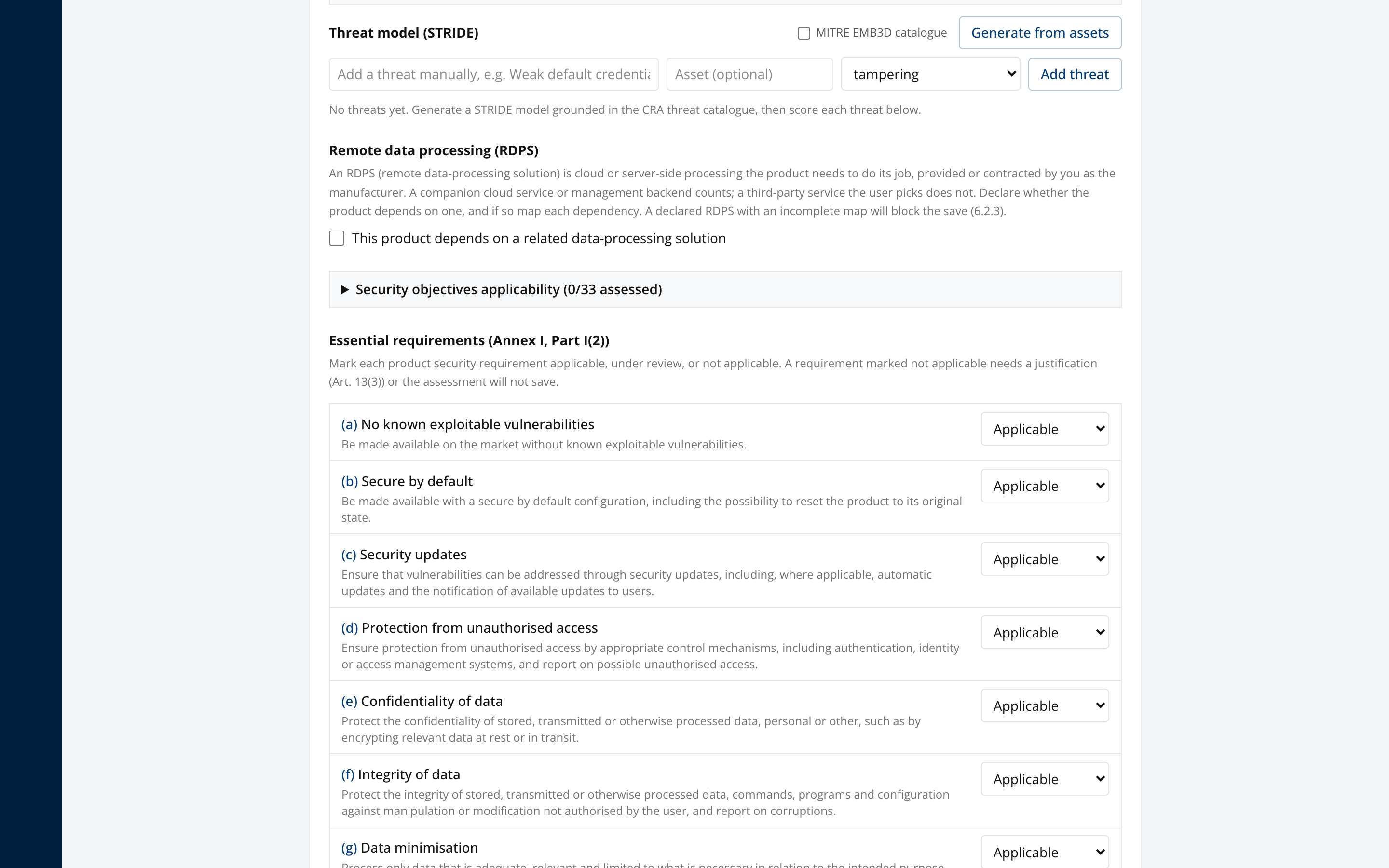
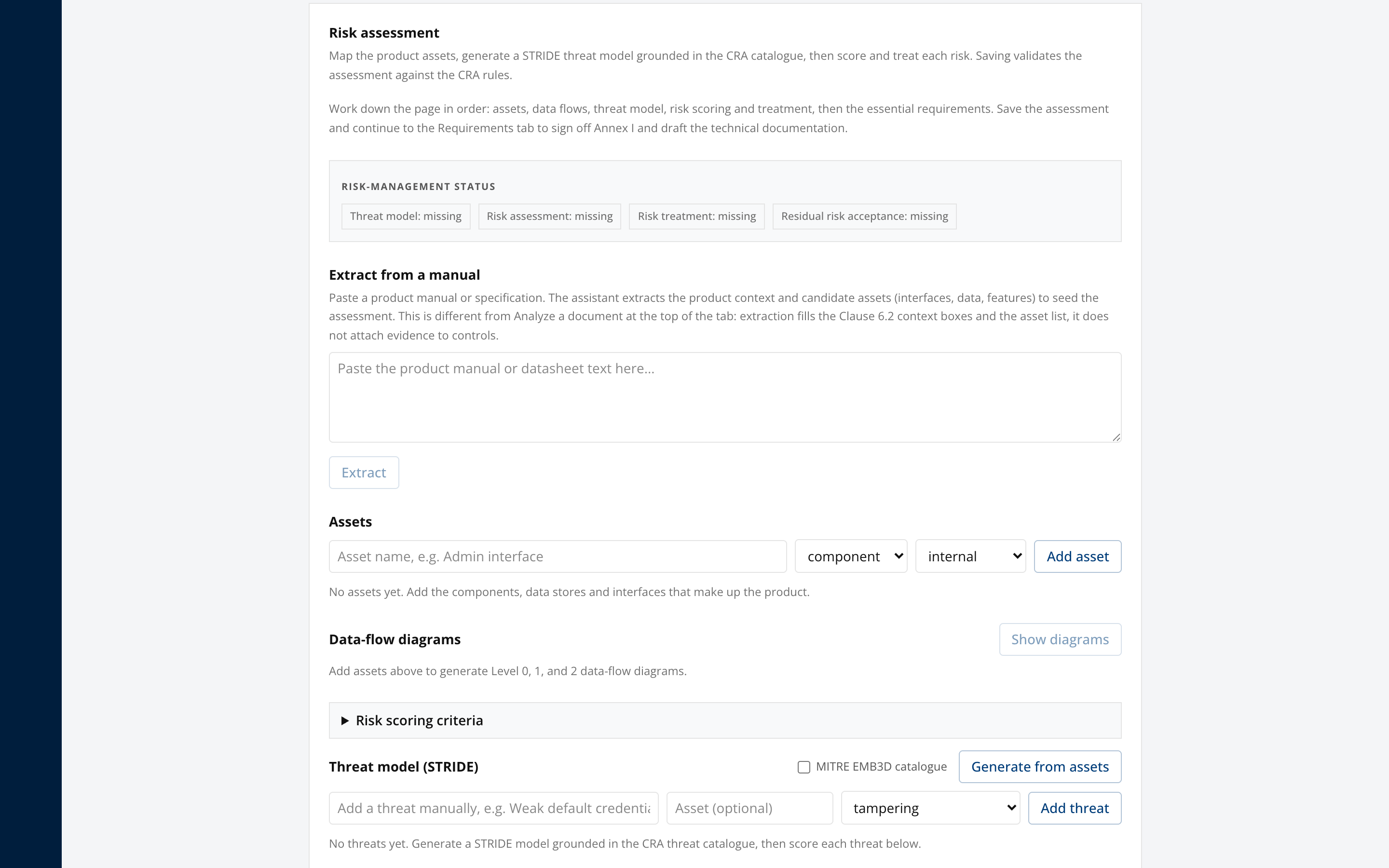
- Asset and SBOM records: You record assets in the workspace by category and classification. The product also holds its SBOM components.
- CVSS 3.1 / 4.0 calculator: Built-in CVSS scoring standardizes impact and likelihood estimations for reported vulnerabilities.
- Threat intelligence correlation: The platform matches SBOM components against OSV advisories. It checks the findings for exploitation in CISA KEV and GCVE sources.
- Residual risk justification workflow: When you accept or transfer a risk, validation requires a written justification.